Nexus
Everything in one place
From locks to loyal coworking members — a stack we believe has no real equivalent.
Direct smart-lock integration
TTLock and more. A time-bound digital key is created automatically after booking — no handoffs, no lockboxes.
Payments & booking widget
Stripe, PayPal, or your gateway. Guests pay when they book; you skip manual reconciliation.
Google Calendar
Pull busy times from Google and push Nexus bookings back. One source of truth for your team.
Member subscriptions
Built-in plans for loyal coworkers: monthly hours, auto-deduction on booking, Stripe subscriptions.
Admin command center
Spaces, guests, billing, activity logs, team access. Nightly stays, slot products, or flexible hourly booking.
Hands-off operations
From click to checkout: booking → payment → key → notifications. No PINs, no codes, no manual lock programming.
Why Nexus beats lockboxes & legacy PMS
With Airbnb-style setups, guests often get a manual lockbox PIN — and pass it on. That is a real security risk for your property.
Lockboxes, PINs & legacy PMS
- ✕Key lockbox + manual PIN (often shared with the next person)
- ✕Risk of break-ins after checkout — the code stays in circulation
- ✕Bookings, locks, and payments in separate tools
- ✕Locks not tied to reservations — manual setup every time
- ✕No native subscription system for regulars
- ✕Google Calendar only manual — or not at all
Nexus — all-in-one
- Native integration with electronic locks (TTLock…)
- Digital key only for the booked window — then it expires
- Google Calendar synchronization
- Subscriptions & hour packs for loyal coworking members
- One dashboard: spaces, guests, payments, locks, widget
- Truly hands-off — fewer calls, fewer mistakes
TTLock
Integrated TTLock hardware
Nexus controls these locks, key safes, and access panels directly — after booking, guests get a digital key or PIN for their exact time slot.
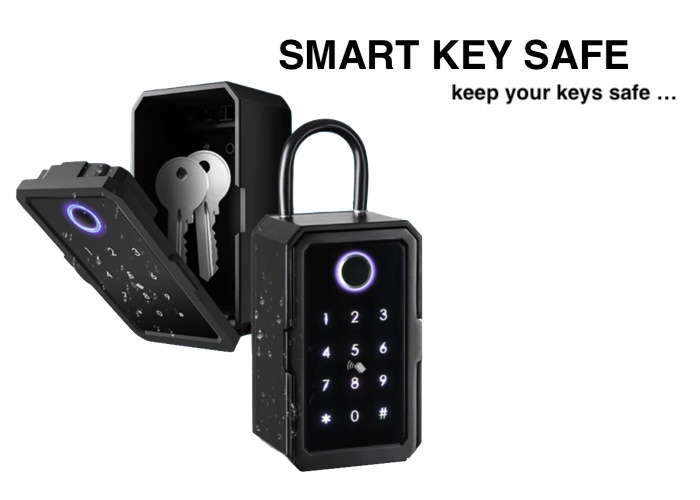
Smart key safe
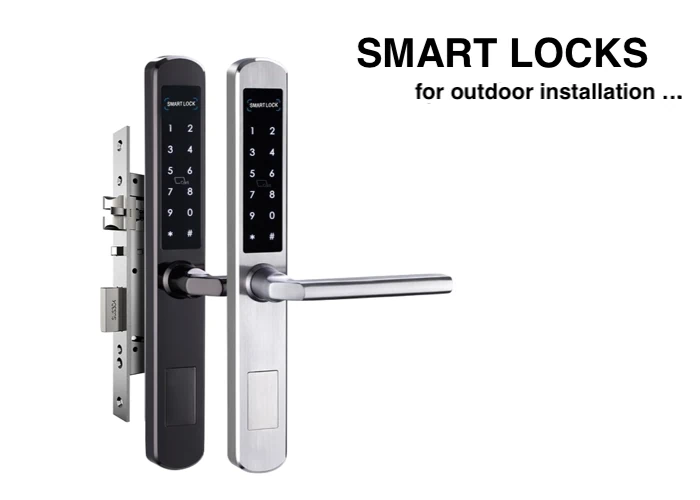
Outdoor smart locks
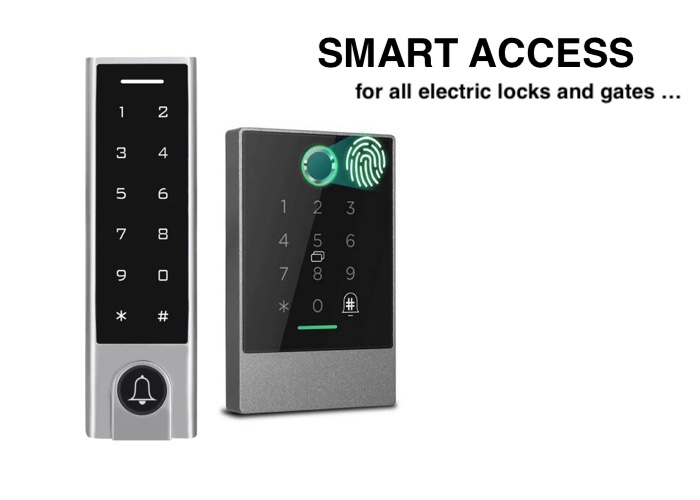
Access keypads & gates
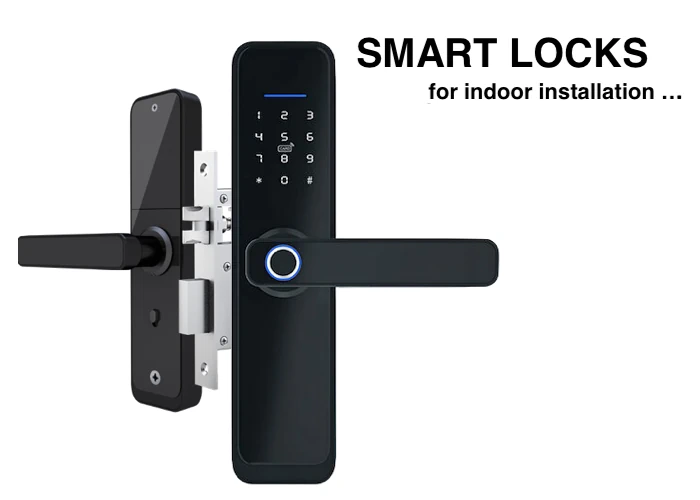
Indoor smart locks
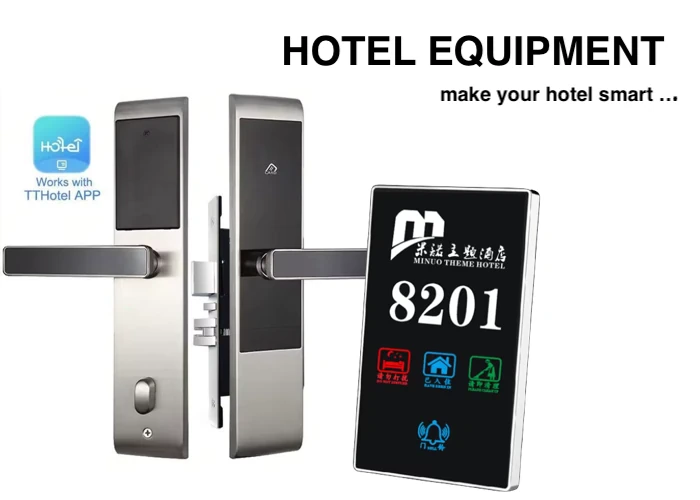
Hotel locks & space panels
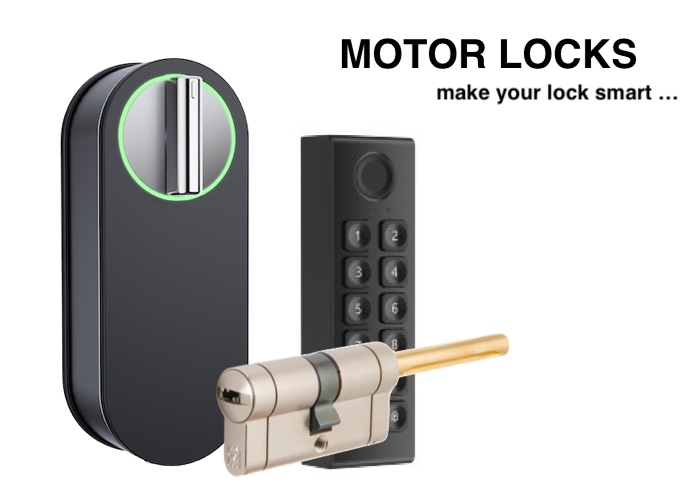
Motor locks & retrofit
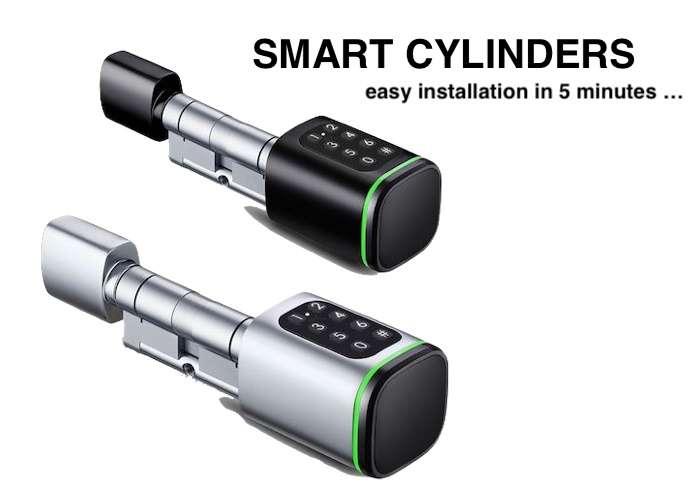
Smart cylinders
Order devices from the official TTLock store. In Nexus settings, connect your TTLock cloud account and map locks to spaces.
Not sure what to order, or need help connecting locks in Nexus? Get in touch.
Contact us